

Banner 9 - Banner Receiving
This guide covers how to complete Banner Receiving.
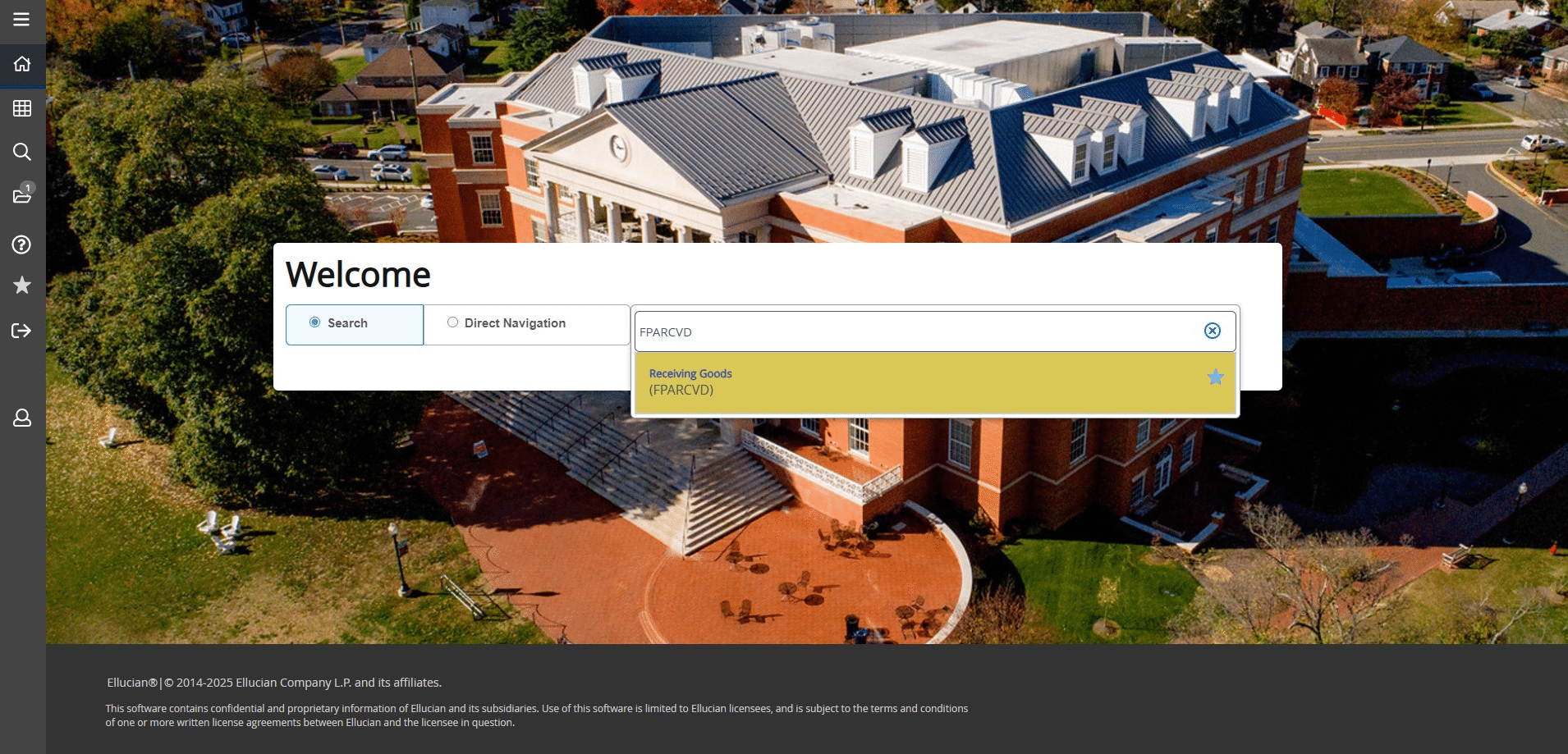
Banner Receiving
Banner Receiving is required for purchase orders paid by check. Prior to completing Banner receiving you'll need your date stamped invoice. Refer to the Banner Receiving Dates-Quick Reference Chart to determine the correct Receive Date.
Frequently Asked Questions
- Where can I find the correct Banner Receive Date?
Use the Banner Receive Date Quick Reference Chart to determine the correct date.
- What do I enter in the Packing Slip field?
Enter the Invoice Number in the Packing Slip field.
- What Purchase Order number do I use?
Enter the 8-digit Purchase Order number, and do not include the prefix "PO."
- Why do I get a warning message after saving the selected purchase order items?
A warning message may appear due to a Banner system quirk; click YES to continue.
- What information do I send to Accounts Payable after completing the receiving process?
Send the date-stamped invoice, Y number, PO number, and cabinet approval (if required) to Accounts Payable via email at payables@umw.edu.
- Do I receive based on Quantity or the Amount?
Banner Receiving is based on the Quantity, not the amount. If you would like to receive by amount, switch the Quantity and Amount fields when you enter your Purchase Order in eVA.