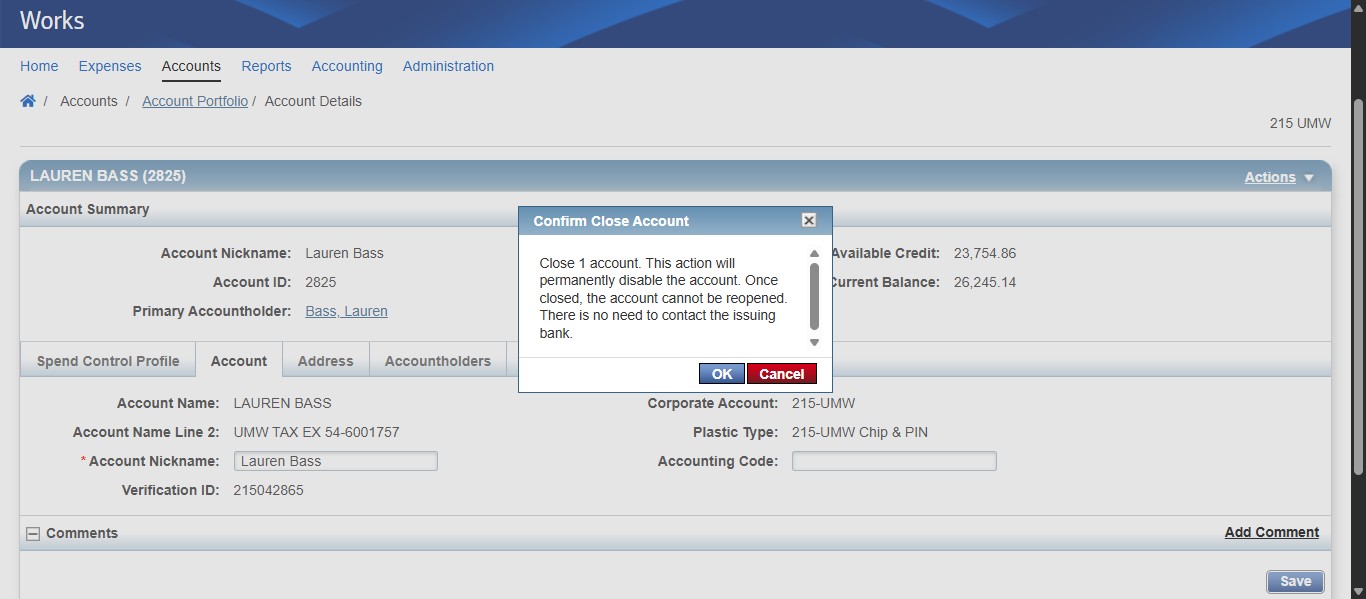
SPCC Works - Deactivating/Closing an SPCC
Sep 16, 2025●
1
Navigate to https://payment2.works.com/works/home
2
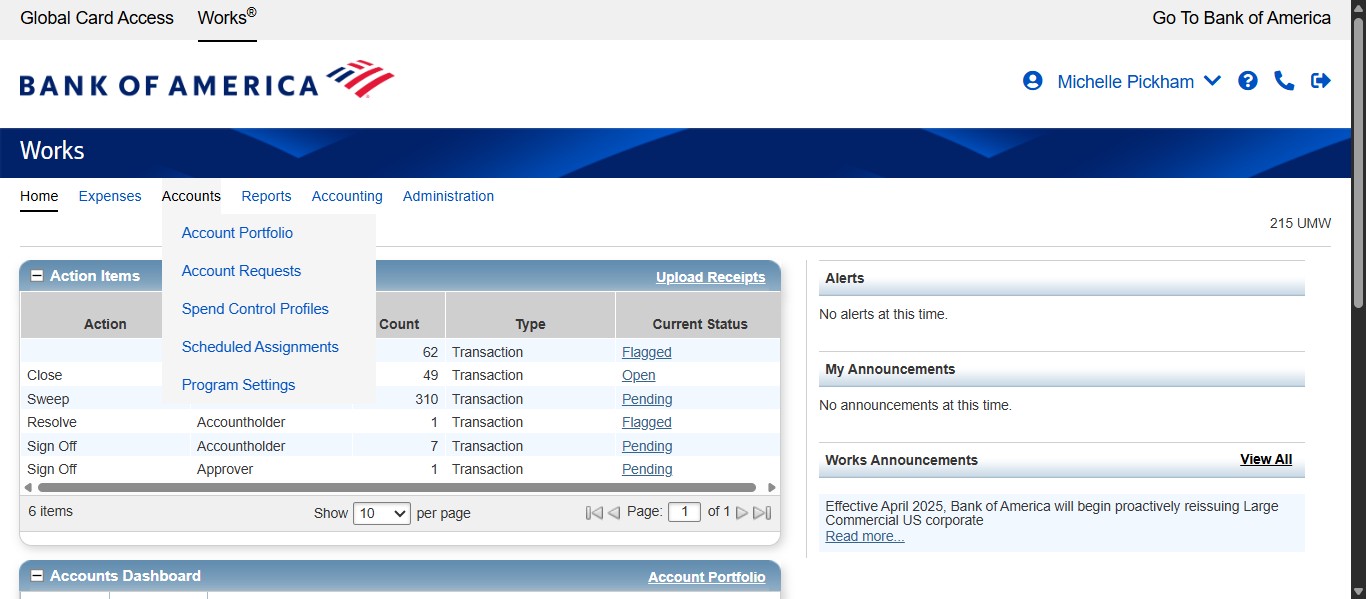
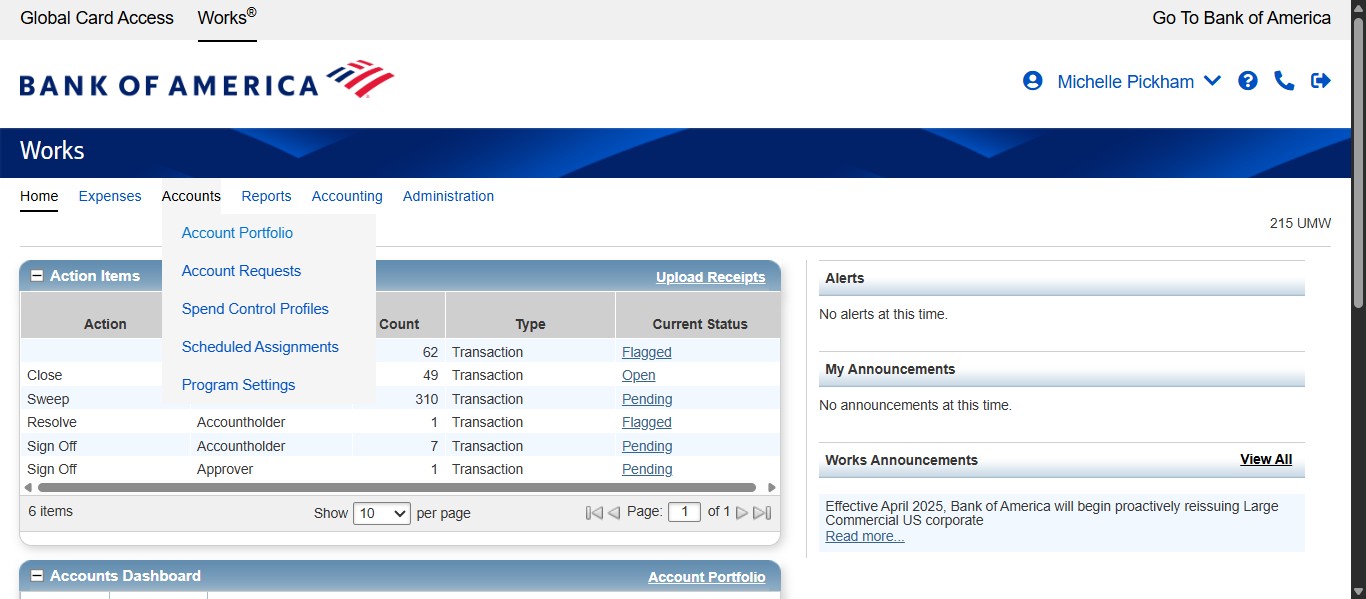
Click on "Accounts"
3
Click on "Account Portfolio"
4
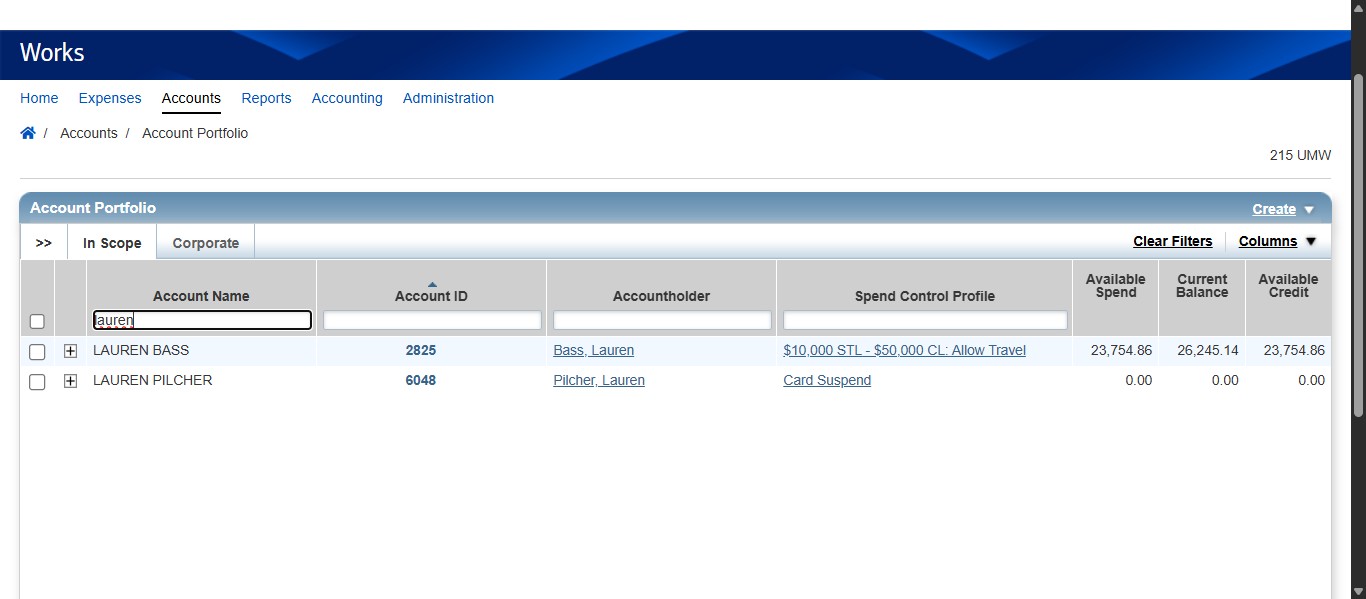
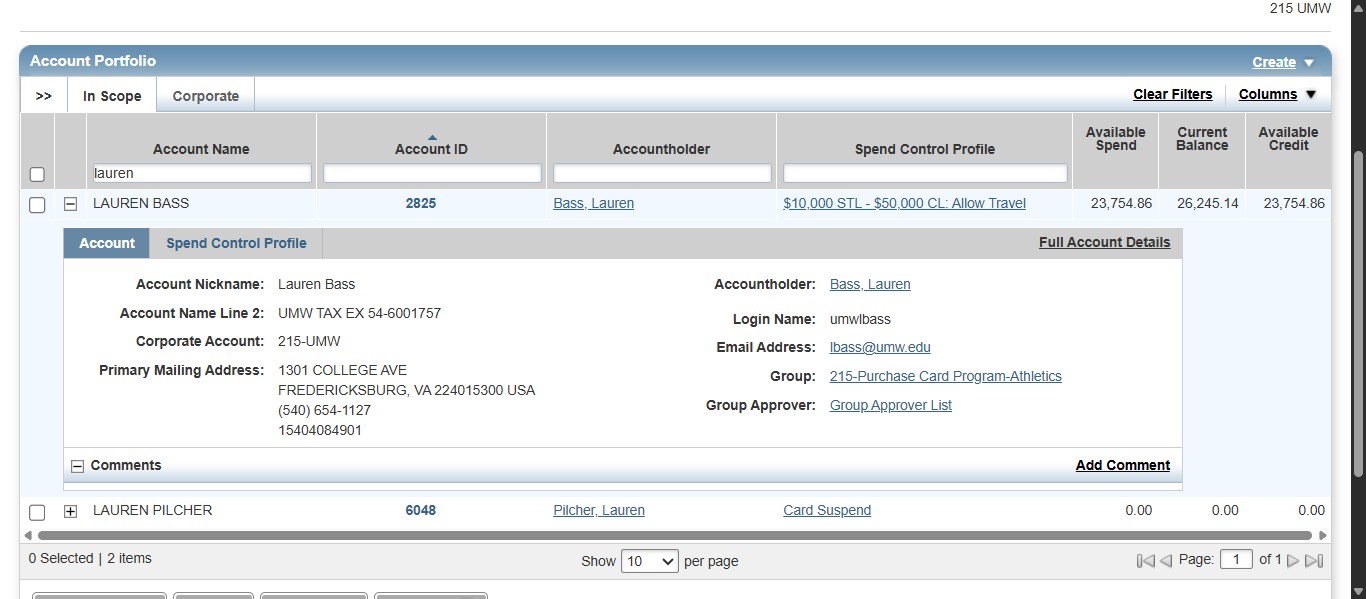
Enter the Cardholder name in the Account Name field and click the + next to the correct Cardholder.
5
Click on "Full Account Details"
6
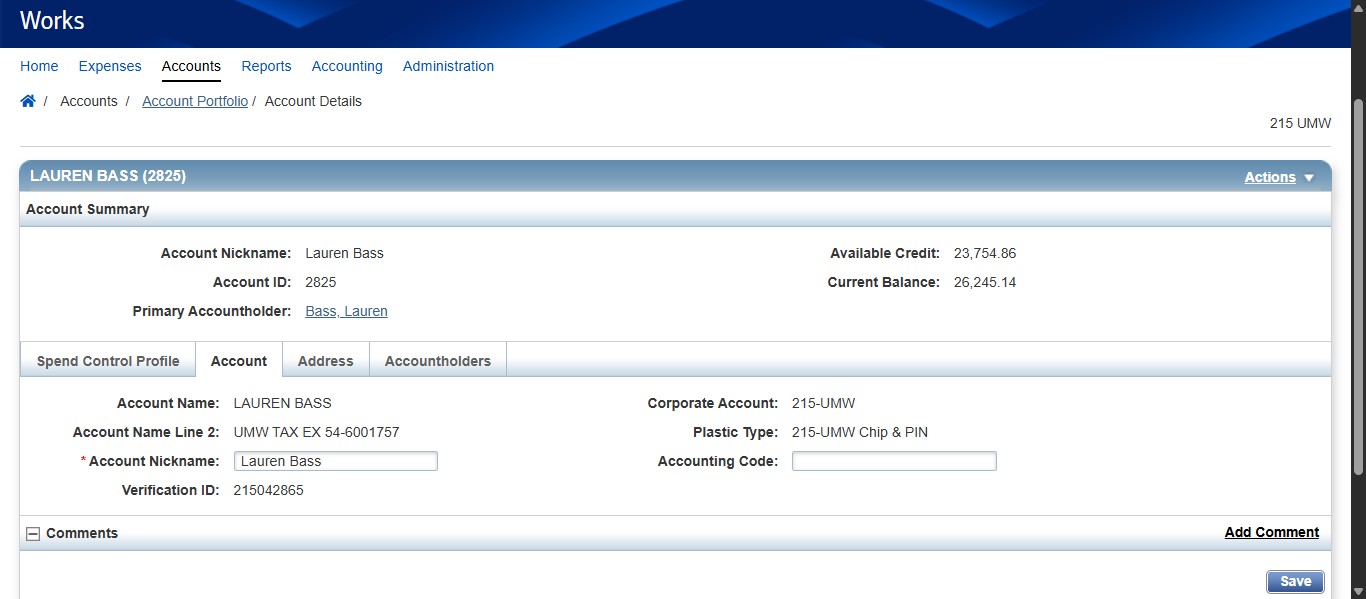
Click the Actions dropdown.
7
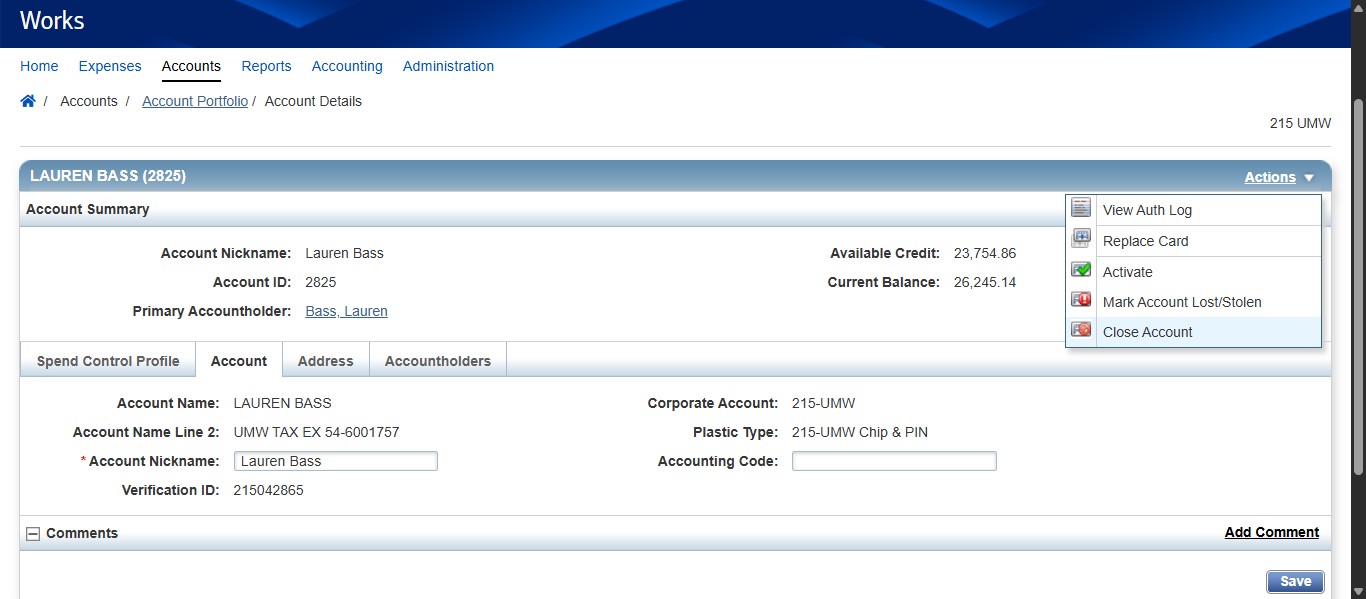
Select Close Account.
8
Click on "OK"